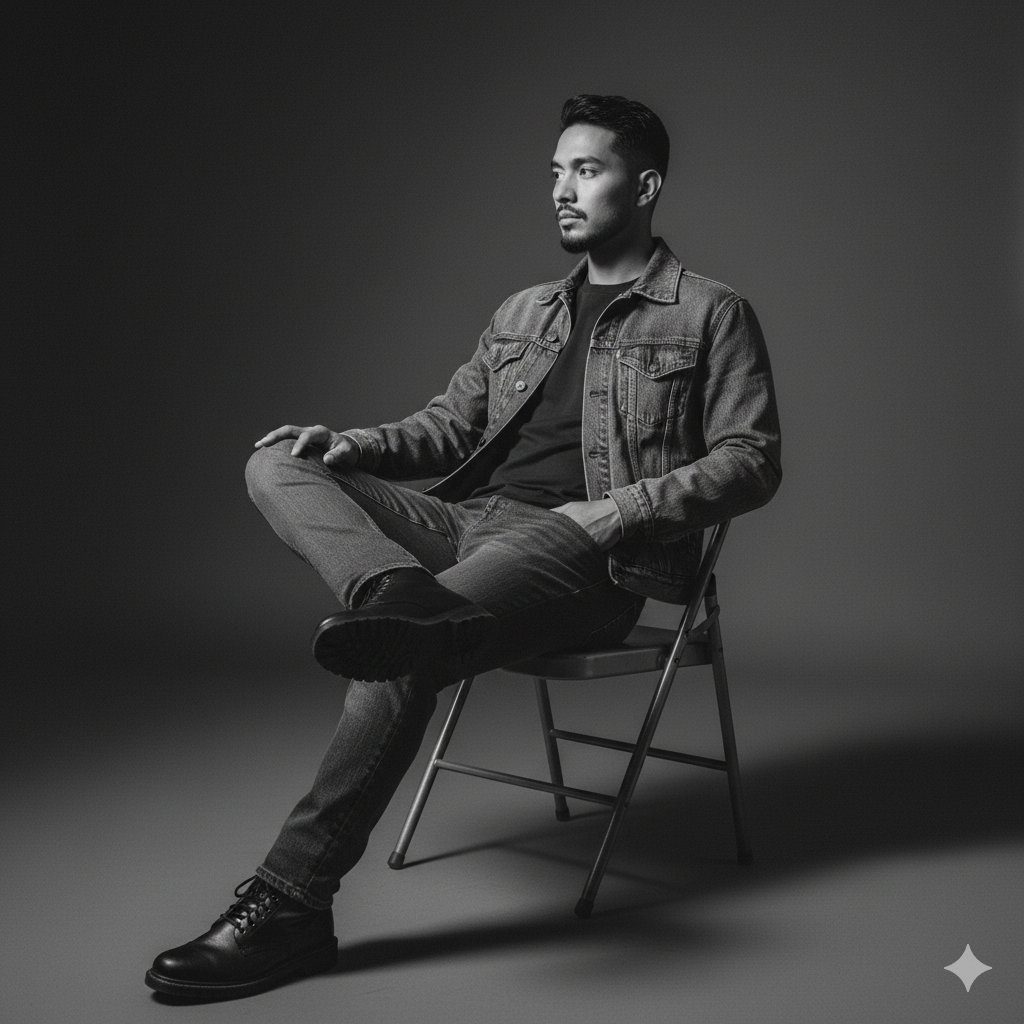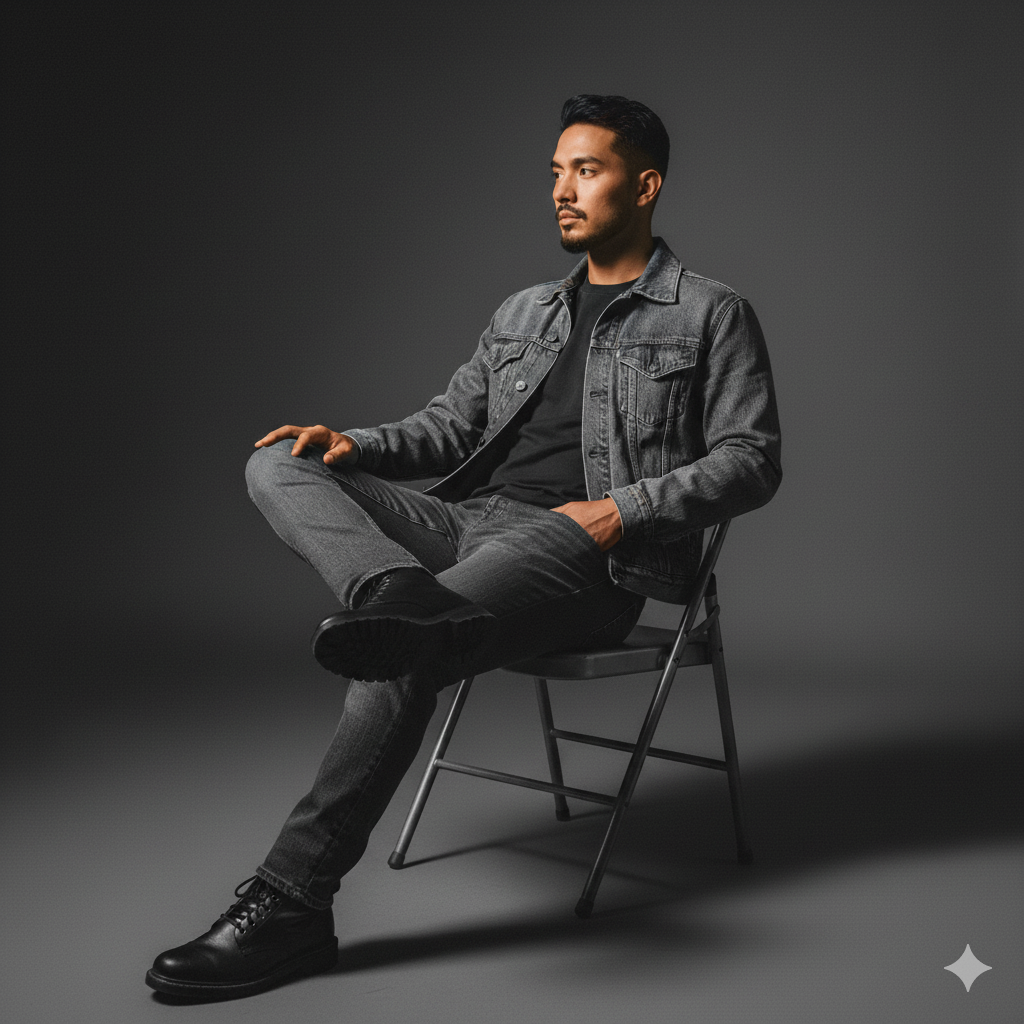
Studio style colourfull
AI Prompt Text
Take the face from the attached reference photo exactly 100% the same (do not alter his facial features, keep his identity intact). Create a studio photo featuring a young man sitting casually on a metal folding chair with his legs crossed. He is wearing a denim jacket, a dark t-shirt, straight jeans, and black boots. The lighting is soft and minimal, producing sharp shadows and a moody atmosphere. His body pose is relaxed, slightly leaning back with one hand on the chair’s armrest, his face turned to the side.
About This AI Prompt
Related Prompts
Retro 80s AI Character Prompt
India’s Pride 🇮🇳
Ai Stains cleaner
DREAM BIKE PIC
Car driving
Popular Prompts

Youth Ganesh Poster

Retro 80s AI Character Prompt

India’s Pride 🇮🇳
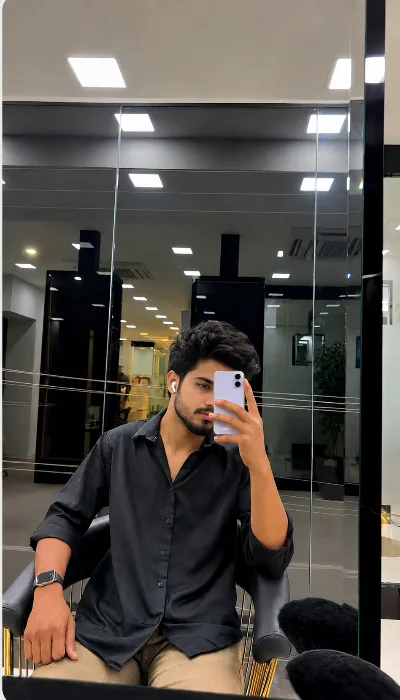
Ai Stains cleaner
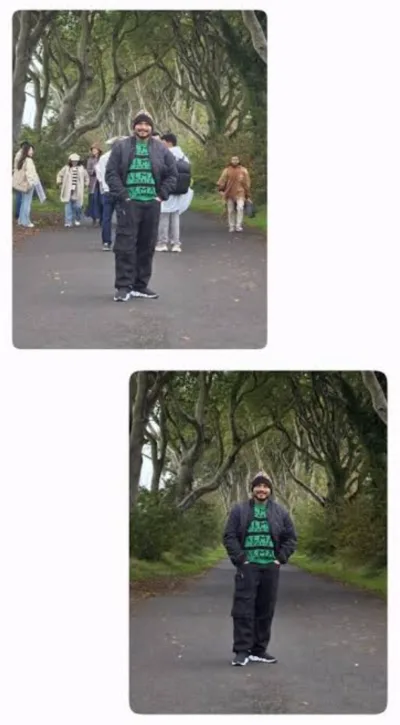
REMOVE PEOPLE'S FROM BACKGROUND
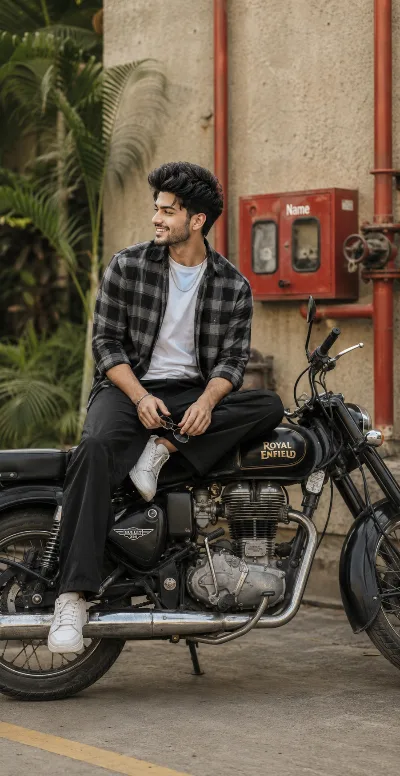
DREAM BIKE PIC
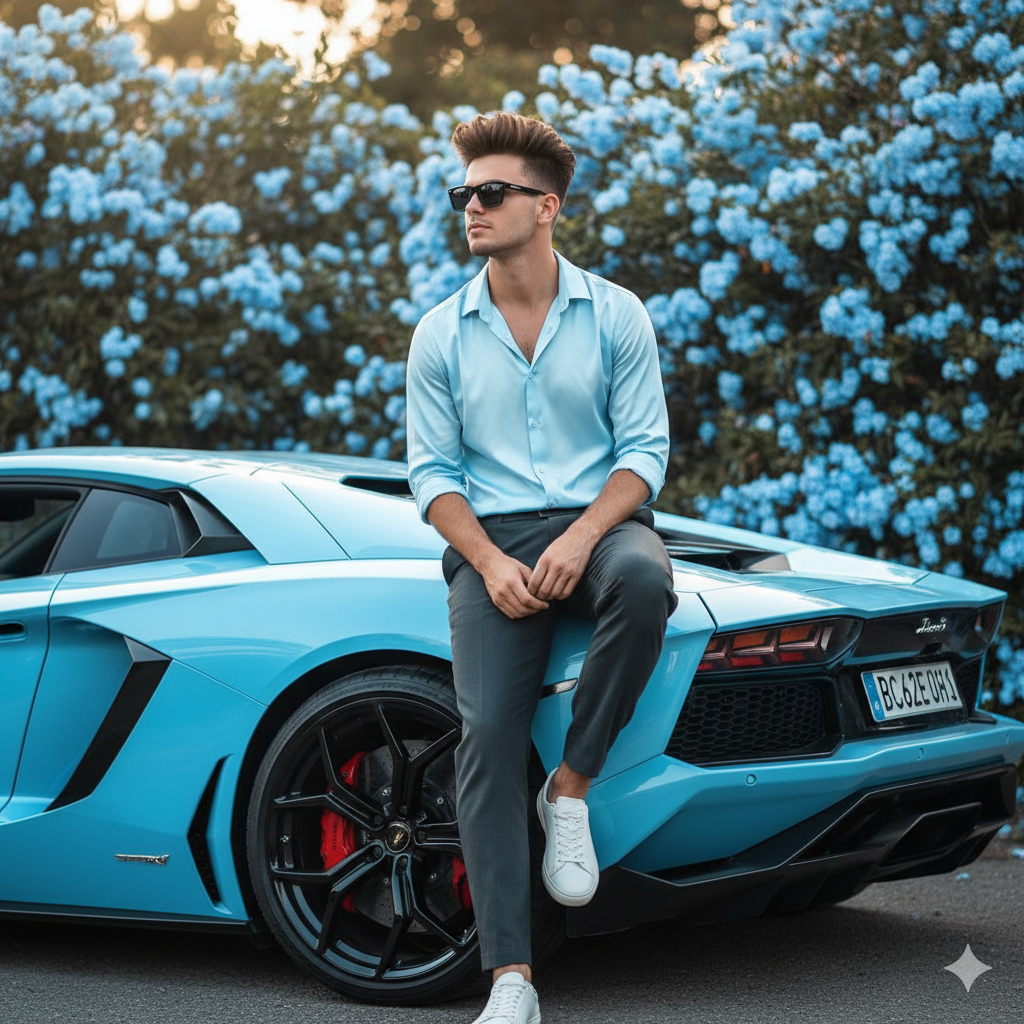
sky blue Lamborghini car pose
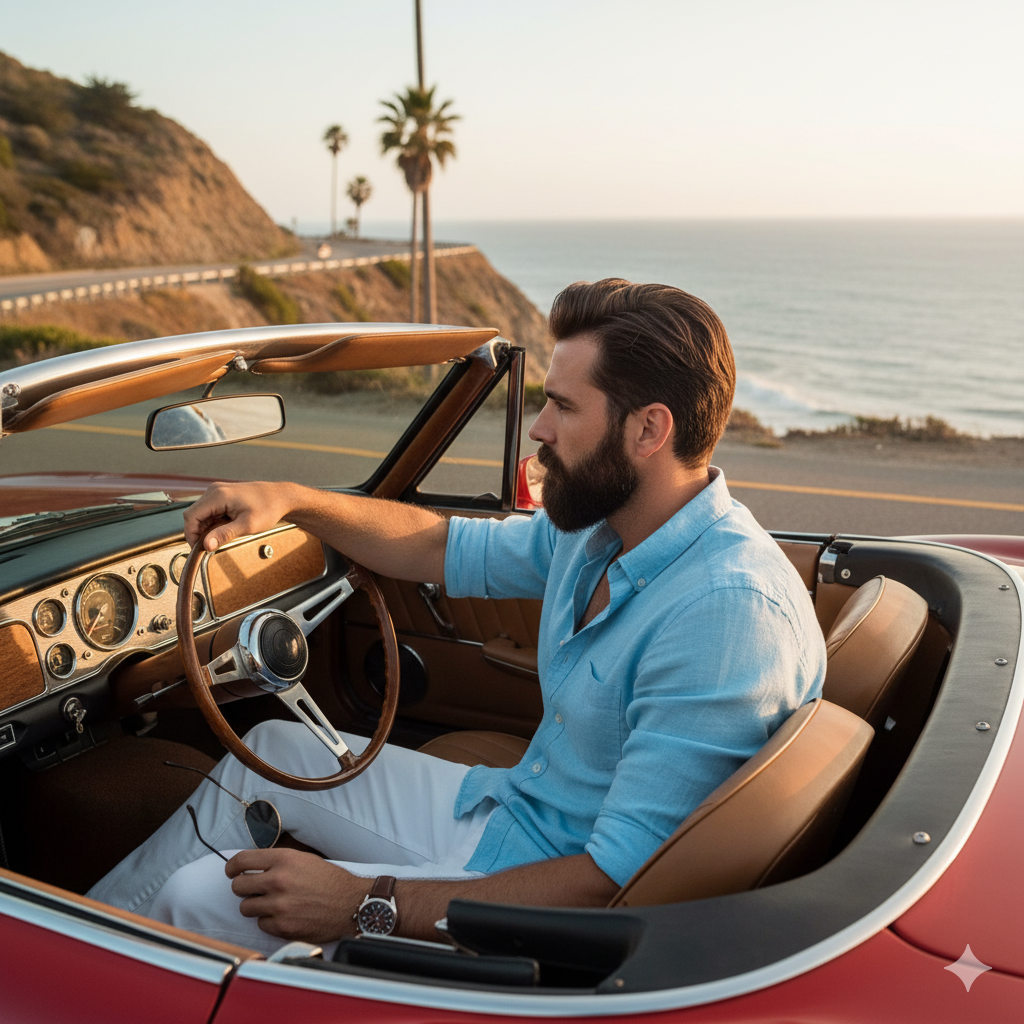
Car driving
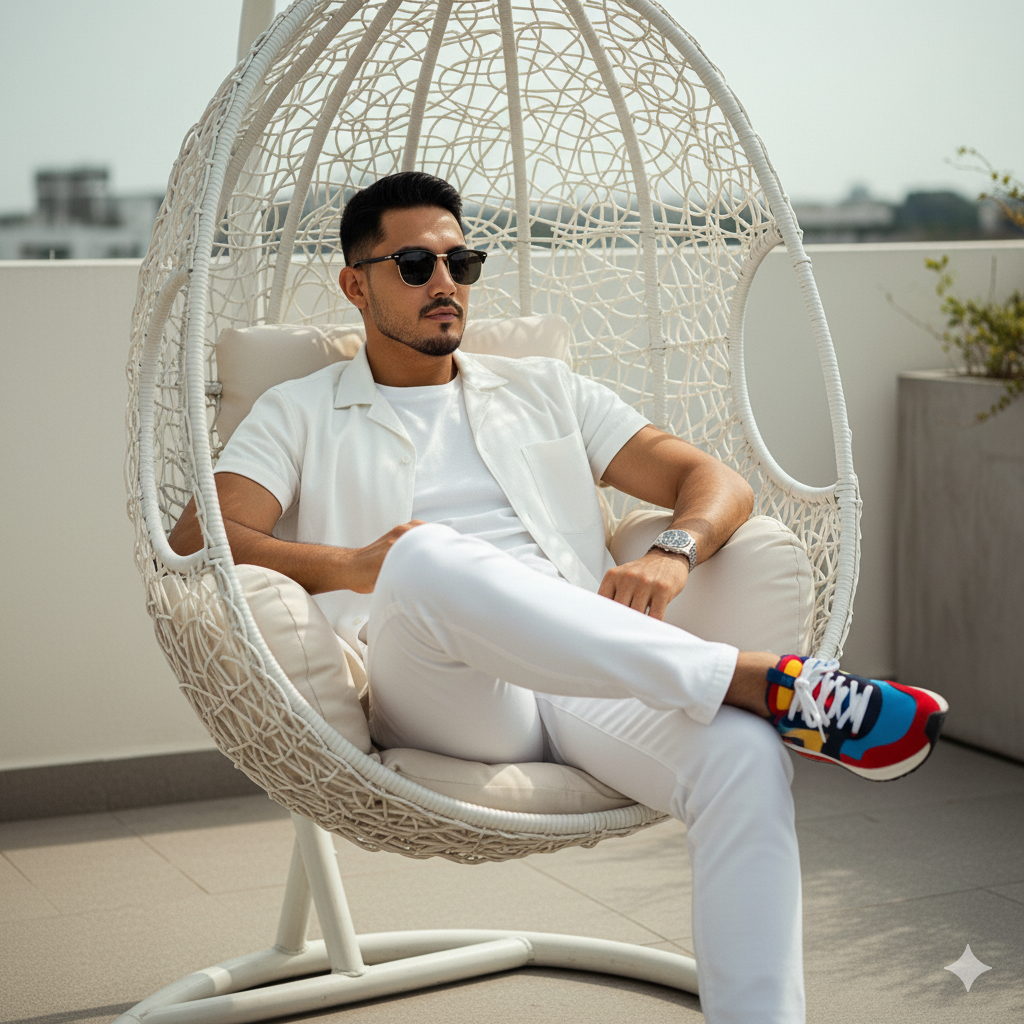
wicker chair sitting
Studio style colourfull
- Copy the AI Prompt: Click the "Copy Prompt" button on the prompt card to copy the raw text template.
- Paste in AI Generator: Open Bing Image Creator / Microsoft Copilot or Midjourney, and paste the prompt in the text box.
- Customize Names: Replace any placeholder text (like names or initials) with your gaming handle or custom name.
- Generate & Save: Click the generate button to render your custom 3D image, then download the final asset.
Yes! All prompts on PromptGallery.in are 100% free to copy, modify, and use for generating gaming designs.
Simply paste the copied text into Bing or Midjourney and replace any placeholder name with your own nickname before rendering.
DALL-E 3 (available for free in Bing Image Creator) currently provides the most accurate and readable spelling for name tags on clothing and backgrounds.